

Google Ads MCP: connect and safely automate Google Ads from AI chat
How to wire Google Ads into Claude or ChatGPT with an MCP that asks first — what it can read, what it can change, and the approval gate that makes automation safe on live spend.
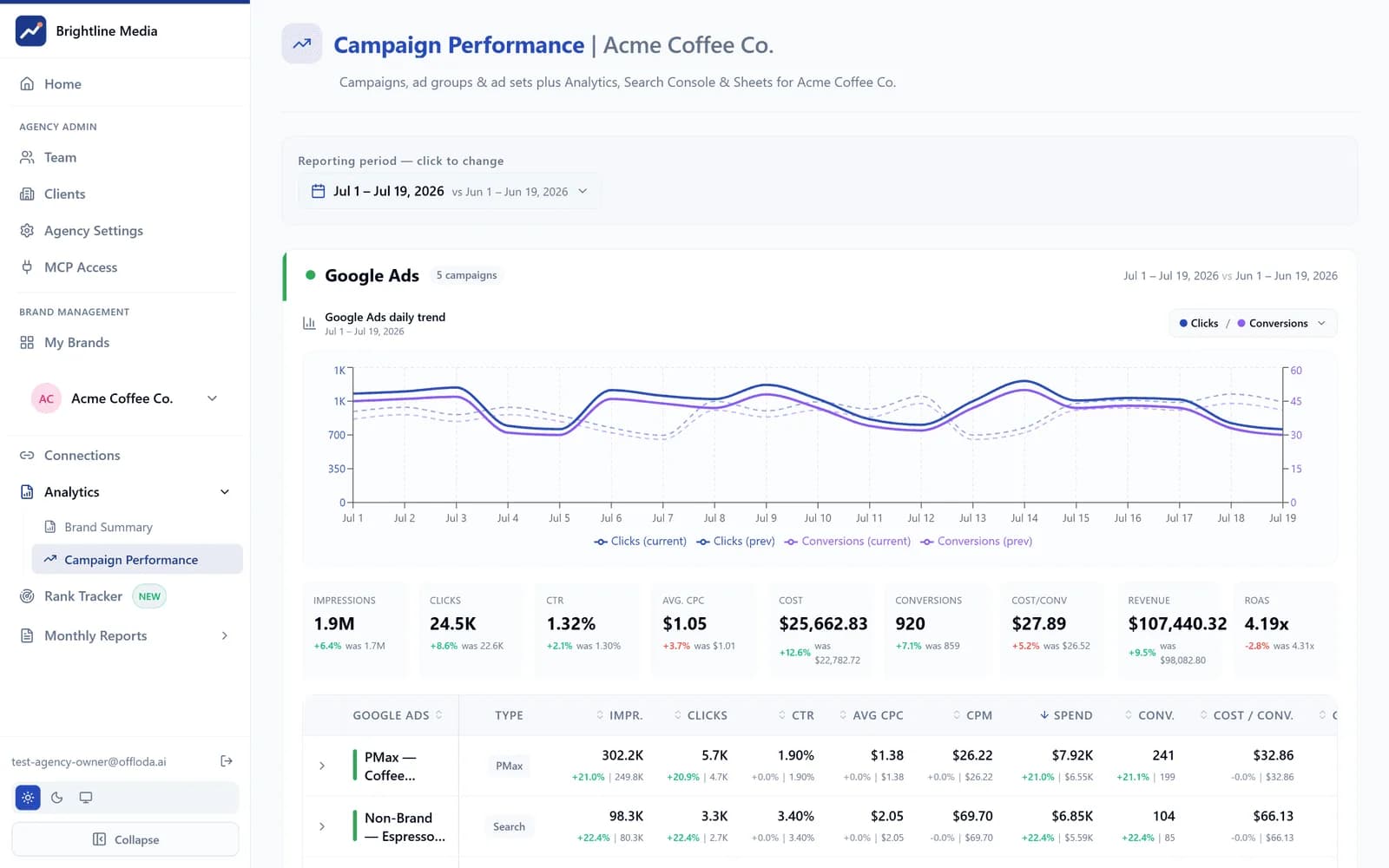
“Can I manage Google Ads from Claude?” is quickly becoming one of the most common questions agencies ask about AI. The honest answer is yes — and that the interesting part isn't the connection, it's the guardrails. This guide covers what a Google Ads MCP actually is, what it lets you read and change from chat, and the difference between an MCP you can demo and one you can trust with live spend.
What a Google Ads MCP is
MCP — the Model Context Protocol — is the open standard that lets AI assistants use external tools. A Google Ads MCP exposes your ad account to an AI client like Claude, ChatGPT or any MCP-capable client as a set of typed tools: query campaigns, read search terms, adjust a budget, create a campaign. The assistant decides which tool answers your question; the connector decides what the assistant is allowed to do.
That second half is where implementations differ wildly. The Offloda Google Ads connector is an MCP that asks first: every change is shown to you as the exact before-and-after and applied only after a person approves it. Raw open-source MCPs skip that step entirely — more on why that matters below.
What you can ask once it's connected
Reads are where the time savings show up first. With the account connected, these are ordinary chat messages:
- “How did last month compare to the month before?” — spend, clicks, conversions and ROAS, summarized with the deltas that matter.
- “Which search terms are wasting budget?” — search-term analysis with proposed negatives, ranked by wasted spend.
- “Is anything pacing over budget this week?” — campaign pacing against daily budgets, flagged before the month ends badly.
- “Which PMax asset groups are underperforming?” — asset-group performance you'd otherwise dig out of nested reports.
Every answer is pulled live from the account at the moment you ask — not from an export someone made on the 1st.
From reading to acting — safely
The step most tools never take is the change itself. The Offloda connector runs every change through the same loop: preview → approve → a second confirmation for high-risk changes. Ask for a budget shift and you get back the exact before-and-after — which campaigns, which amounts, what stays untouched. Nothing applies until you approve it. Budget and bid changes above your threshold ask for a second confirmation, and new campaigns are always created paused, so a launch is never a surprise.
That loop is what makes chat-driven Google Ads work viable for a team: a junior can propose aggressively because approval is structural, and an AI can operate on live accounts because it literally cannot act alone.
A raw MCP vs. one that asks first
Open-source Google Ads MCPs exist, and for a personal sandbox account they're a fine way to experiment. The problems appear the moment real money and real clients are involved:
- No approval gate. If the model decides to change a bid, the bid changes. On live spend, that's not automation — that's exposure.
- Single-account thinking. An agency needs a private workspace per client, scoped team access, and a record of every change — none of which a raw connector provides.
- One platform in a vacuum. Google Ads decisions improve sharply when the same assistant can also see Search Console, Analytics and your AI-search visibility.
Offloda adds exactly those three things — the approval step, a private workspace per client and cross-platform breadth. The full comparison lives on the connector page.
Setting it up
- 1. Create your workspace. Each client brand gets its own private workspace — see pricing.
- 2. Connect Google Ads with OAuth. No passwords, no developer tokens to manage; the token is scoped and encrypted.
- 3. Add the connector to your AI client. Claude, ChatGPT or any MCP client — then ask your first question.
From connection to first useful answer is minutes, not a migration. And because the connector is white-label, your clients only ever see your brand on the reports it feeds.
Where this goes next
Paid search rarely runs alone. The same workspace reads Search Console (stop paying for queries you already win organically), Analytics (close the ROAS loop) and your AI-search visibility (defend branded demand when the answers shift). Google Ads is usually the first connector an agency wires up — it's rarely the last.
Book a demo and bring a real account — the approve-before-it-ships loop is better seen than described.
Put your marketing data to work.
Connect every channel once, white-label the output, and let AI act on live data across all your brands.
See pricing